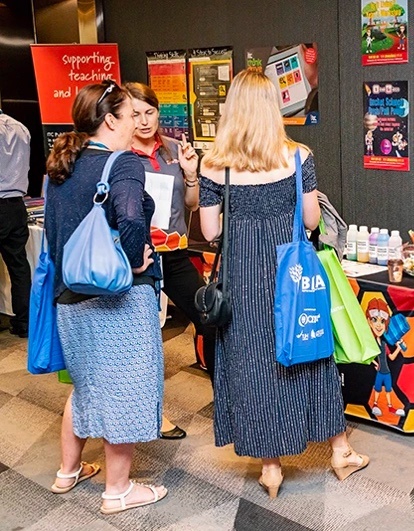
Trade expos can be an excellent marketing activity and resource for connecting with new clients. But often companies get lost in the shuffle of eye-catching stalls and innovative exhibitors. You need to stand out, get the attention of your target market and, most importantly, get those warm leads to come to your stall.
So, what can you do to get noticed and approached by your target audience? Check off these twelve things before the day!
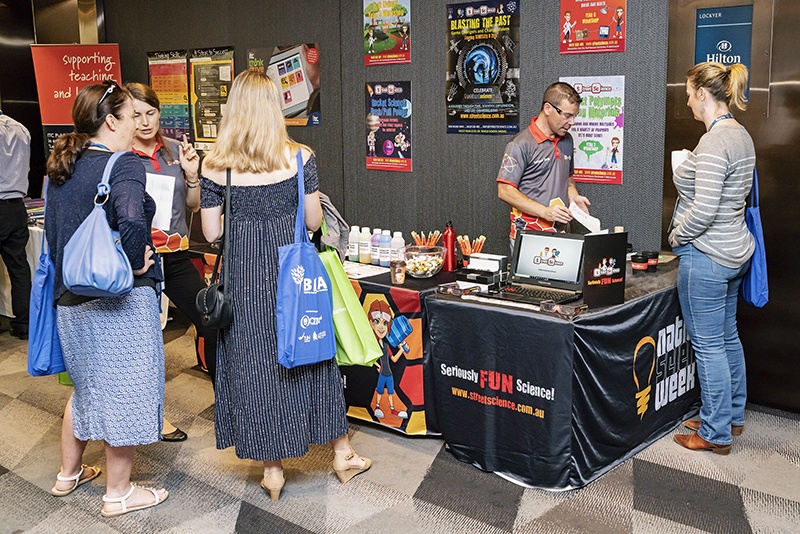
Signage with bang-on messaging is a must. Your name, and what you do must be absolutely clear. If you don’t let your audience know that you are offering what they need, they won’t know to stop by your stall. Clarity is essential.
And your signage must be visible above head height so potential leads can read your banner from a distance. This pulls an individual’s attention out of a fast-moving crowd and focusses them on you. It’s the first step in moving them toward you intentionally.
If your signage isn’t clear to the reader, they’ll walk past. And if it’s not visible, they’ll never even know you were there.
Once you’ve captured attention with good signage and a clear message, you may find you have more people at your stand than the number of staff available to chat during peak periods.
Waiting is boring, and when people have to wait to speak to you, there’s a risk they’ll decide to look at something else and come back later. This is not what you want. Instead, you want to keep the attention of waiting warm leads by placing interesting and informative elements on your tables or around your display. This could include, smaller signage, brochures, business cards, annual documents or magazines, special checklists or tear away forms. These are all usable marketing items which can be read while they wait to speak with you.
There’s nothing better than a moving visual element on a business trade exhibit. If you’re attending an event at a major conference centre and are allocated a booth, you’ll have space for a TV to play video or images on a loo. If you don’t have a large area, a laptop will do the trick as long as you can present it easily. And there are fabulous and fairly inexpensive iPad stands available from expo suppliers, should a tablet be the best option for you.
You can spend big on fancy equipment or put together a smaller, less expensive presentation method, but having a visual element is an excellent way to grab attention.
Consider having your visual element on a three-minute loop. One- or two-minute loops will run out quicker than you can wrap up a conversation. Keep your audience captive!
Venues vary greatly and each venue will have limitations with regard to the space, size and shape of your display. Find these out before the day of the expo. Even if you’ve been a stallholder at the event before, double check that nothing has changed.
Then, be flexible. Think how those limitations might be used to your advantage. If there are no walls around your stand, could you place seating for waiting guests, which would also delineate the area? Could you show a video in that section?
Each venue requires some adjustments and flexibility. Be creative, be innovative and keep asking yourself, ‘what would keep my guests here at my stall?’

If you’re a product-based business, bring boxes of product and display them as though you’re the perfume section at Myer. Be beautiful! Think luxury! Even if your business has a boho-vintage vibe, go boho-luxurious! Putting your best foot forward for product display is key as a trade exhibitor. You don’t actually have to sell your product on the spot. If your presentation is quality, people will be more likely to buy your product later, if not right now. And if they love your product, they’ll be back without you needing to chase them.

Competitions are the easiest ways to secure contact details from expo guests. Make entering the competition easy. Use a large container for business cards – think see-through Perspex boxes, a pretty glass bowl or an engraved ice-bucket. Use sign holders next to the container to list what the prize is and encourage stall visitors to enter.
It’s essential that the prize includes something tangible – a real prize – not just a prize of your time or a discovery session with your company. Think about what other items could be attractive to your target audience. Your book – or one you’ve found beneficial – a sample of your products, a gift voucher for your business or another, tickets to your next workshop or conference or even a professional service every business needs, such as design work or videography.
All of these will encourage warm leads to engage with you, meaning you’ll have more opportunity to engage with them in the future.
You have approximately two minutes to acknowledge someone before their patience runs out and they walk away. Plan and practice polite ways to pause your conversation with one person, so that you can address others visiting your table. Excuse yourself briefly with an easy, ‘Excuse me, I’ll just point these people in the right direction’ or, ‘Pardon me, while I let these people know I’ll be with them soon’.
Short, sharp (but polite) direction or acknowledgement to those waiting is invaluable in having them wait for you a little longer. It also reminds the person you are talking to that they aren’t the only person interested in chatting to you.
You also need to think about the conversations you are having. Some may be more worthwhile than others, and it’s important to determine that fairly quickly. It’s also essential to be able to gauge whether or not a long or complicated conversation should be put on hold for a follow-up phone call or a meeting away from the event. This way you don’t lose the next waiting lead, and can still nurture your new connection at another, more convenient, time.
If you have a lot of services or products in your business, ask a friend to help you out. You might want to offer a service exchange or simply pay them, but having two people on a trade expo stand is a must for major events.
There’s nothing worse than being underprepared, understocked or overwhelmed – all of which are regular problems for small businesses at expos. Remembering you have outlaid funds to exhibit at this event. Don’t waste the effort and resources you put into getting there by not being able to cope with enquiries on the day.
You also have the added bonus of being able to have lunch (you don’t want to be that person eating and talking to a potential lead) and toilet breaks, and even spend time visiting other stands yourself.
Expos are not easy for exhibitors. Standing up for hours on end is a hard task. But the last person you want to be, is the person seated with a phone in your hand, looking down. Keep the energy up. Don’t ignore the traffic flowing past you (and yes, I see these people at every expo). Keep standing, smiling and engaging politely with people who pass by or stop to chat.
Being a trade exhibitor is your opportunity to get yourself in front of new leads, present yourself well and represent your business and brand to hundreds of new clients (if not thousands at a major convention centre event). It’s worth pushing through any uncomfortableness.
Pre-plan your communication strategy with your new contacts from the expo. Don’t start sending an email a day for seven days. This will just annoy your new leads and ensure they unsubscribe and throw out your business card.
A simple, well-crafted and short communication following up is the best approach. You can give the results of your competition (if you’ve had one), or email a link to connect with you on LinkedIn, Facebook or Instagram, if you prefer. You might also send them a downloadable resource or a link to a video that reminds them of who you are and what you do. In every case, you must ensure that your communication is helpful and adds value and isn’t just spam.
Run a Facebook Live competition. Organise when you’ll do this before you send out your follow-up email (as above) and make sure to let your reader know how they can listen, and enter your competition (use your Facebook link to take them to your page directly).
If you run the comp a day after the email it allows time for it to be read and action to be taken by the reader. It also puts you front of mind as you’re now, quite literally, at the top of their Facebook or LinkedIn notifications.
Use LinkedIn to reach out to every person whose business card you received at the expo. Send a Connection Request and, when doing so, add a personalised note reminding them that you met at the event, and that you’d like to keep in contact. This technique means you’ve layered your emails and Facebook Lives with a professional and direct connection that you can foster further in the future.
How many times you get approached by visitors at a trade expo is completely up to you and the effort you put into your display before the day.
You control your destiny. Your trade expo success relies on you having more than a casual chat. Make genuine connections and provide marketing material or other collateral to those connections. But most importantly, you need to capture contact details from those people in return. This is the beginning of turning warm leads into engaged customers.
Before you invest in your next trade display stand, get an audit on your last results.
Speak to the Social Ocean team about your event outcomes, get creative with your call to actions and set up for success. Book an audit in today.
Is Your Profile Picture Holding You Back in 2025?
When was the last time you updated your social media profile photo? If it wasn’t in the past 12 months, then 2025 is your sign to do it — and do it properly.
At Social Ocean, we know that your first digital impression matters more than ever. That’s why we’ve elevated our offering to include a professional branding photography experiences that will combine with our other service packages, but more importantly than that – help you with your own DIY marketing. Whether you’re a business owner, entrepreneur, or working professional, this added bonus ensures you’re always putting your best face forward.
Let’s talk about why your profile photo matters right now, and what you can do about it.
Why You Need a Profile Photo Refresh
You may have grown your hair, gone platinum, embraced silver streaks, or picked up a fringe (hi, it’s me!). Maybe you’ve dropped 10kg, gained muscle, or simply feel more confident than ever.
Whatever your reason, it’s valid. But it also needs to be visible.
We LOVE seeing our clients and online community showing up as the most current version of themselves. We don’t care why you updated your look. But we do care that your digital image matches the amazing person you are today, and that it positions you professionally and authentically.
So before you hit upload on a new photo, or worse — keep using one from 2018 — run your image through our Top 5 Profile Photo Tips for 2025.
Your profile photo should match who someone would expect to see when meeting you in real life. Whether it’s at a networking event, client meeting, or business lunch — your image should help people spot you, not confuse them.
At Social Ocean, over 50% of our social media audit clients need immediate updates to their profile image and banner graphics. And it’s no wonder — your profile photo is the first thing people see on your timeline, comment threads, and inbox messages.
That photo needs to do one job: make people feel like they know you.
Even if your hair or face hasn’t changed drastically, time does funny things. If your photo is older than 12 months, chances are it shows. And no, a professional filter doesn’t fix that.
Age gracefully and professionally. A good headshot with natural lighting, clear eyes, and your real smile is worth more than a decades-old glamour shot. Our branding sessions are designed to capture your personality in the now — not pretend it’s five years ago.
Sunglasses, hats, filters, weird angles… they all create a barrier between you and your audience.
If you wear glasses for reading or vision — keep them on. They’re part of your look. But if you’re shielding your face, squinting in the sun, or hiding behind a selfie at a vineyard, save it for Stories. Your profile photo needs to connect, not confuse.
One person. One photo.
Your professional profiles shouldn’t include your spouse, your siblings, or your whole bridal party. Even your cutest pet should sit this one out. You don’t want people asking, “Which one is Kirsty?”
Even in a scenic shot, make sure you are clearly the focal point. A blurred background is fine — a blurred YOU is not.
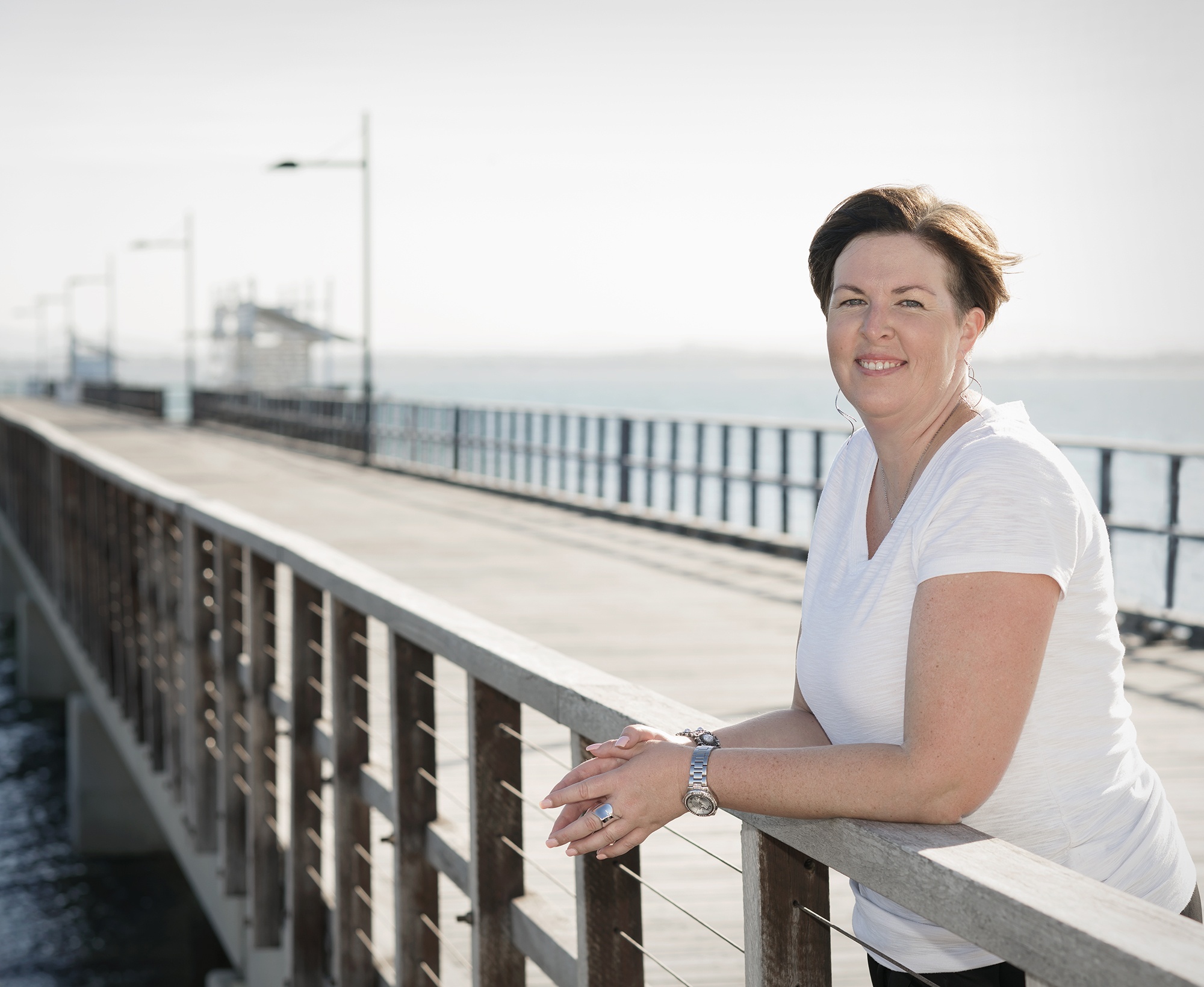
Ever tried uploading a great image only to crop your own head off in the preview box? Yep, us too.
The key is to start with a photo that has space around your head and shoulders — not one where your face is pressed to the frame. That way, you can centre your image in the circle crop of LinkedIn, Instagram or Facebook without losing scale or symmetry.
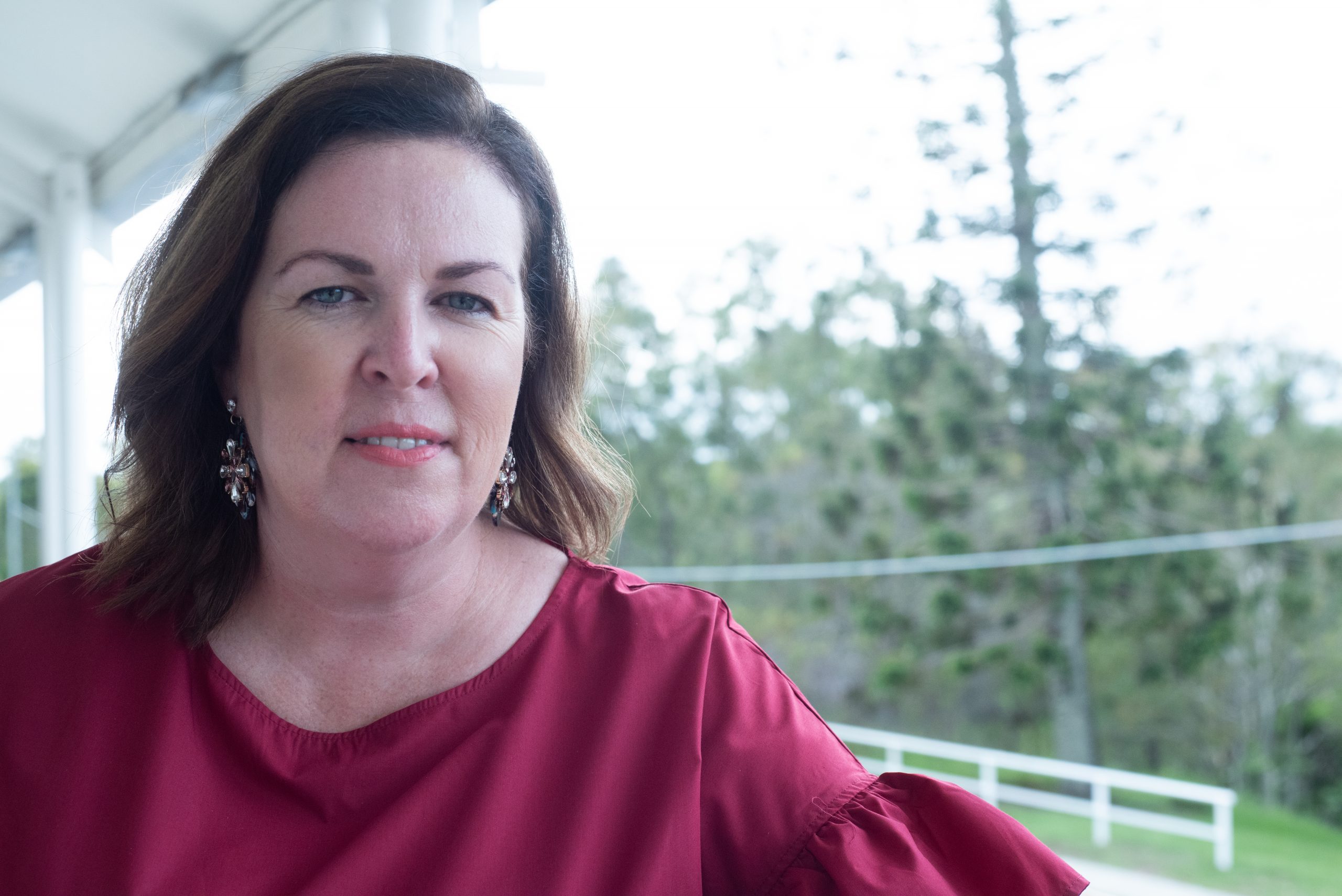
At Social Ocean, we’ve added a new layer to help our clients shine online all year round.
Our latest collaboration include a high-energy branding photography experience that will help give you the perfect image assets to use within your marketing. And yes this will meet all five of our profile image criteria above!
If you said no to even one of the above, it’s time to book your update.

Final Word: Your Face Is Your Brand
Whether you’re a coach, consultant, tradie, or team leader — your profile photo is one of the most viewed pieces of your brand identity. It’s the visual handshake of the digital world. Make it strong, clear and current. Don’t leave it to chance (or your camera roll). Book your professional branding photo session with Social Ocean and get the online presence you deserve in 2025.
➡️ View the current brand photography session: Visual Vibe Shoot
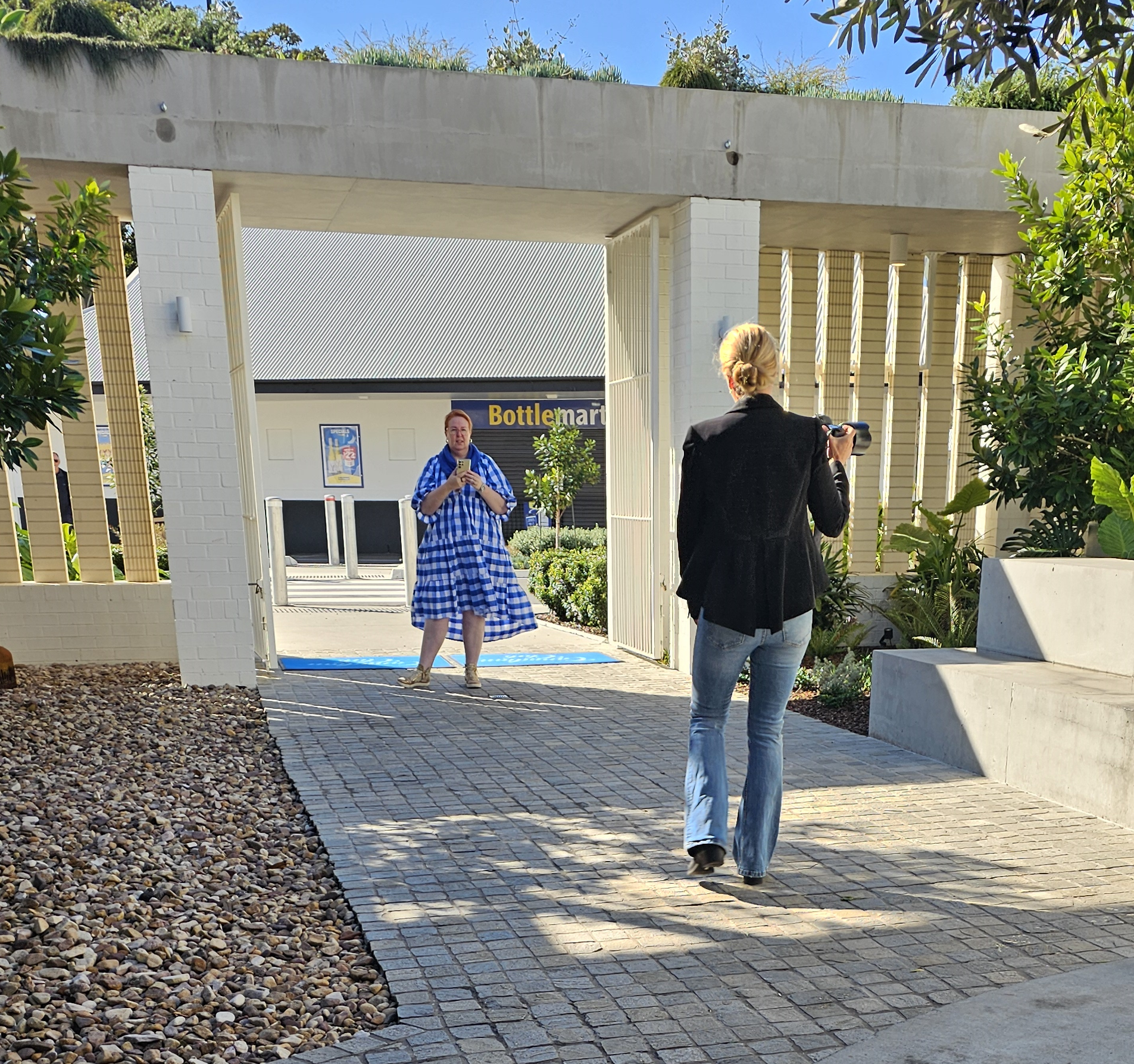
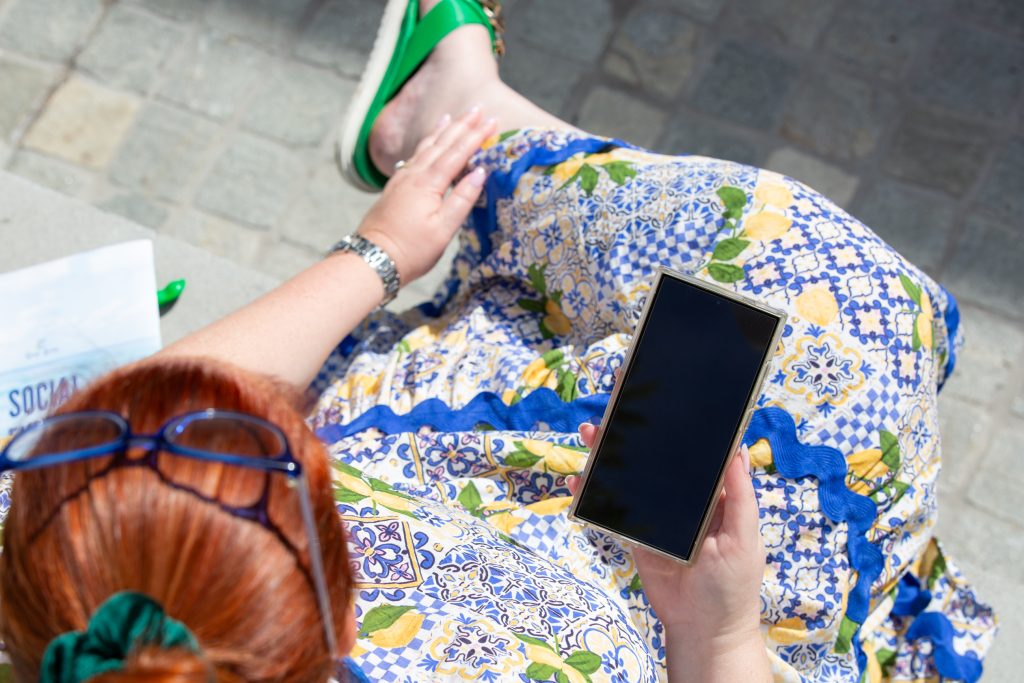
Here’s a shot from Candice Epthorp from a recent shoot. You can see that photographers will help you take shots that aren’t just for profile photography, making them the perfect addition to your social media schedule.
…..
2025 is full of platform updates, and LinkedIn hasn’t slowed down on its visual changes. Since Microsoft’s acquisition, LinkedIn has introduced several new features and improved user functionality across profiles, pages, and events. With those changes come frequent image dimension updates.
If you’re a business owner, marketer, or content creator managing a LinkedIn presence, especially through a Company Page, it’s critical your images are optimised for clarity, consistency, and compatibility across devices.
At Social Ocean, we stay ahead of the curve so you don’t have to. Here’s your up-to-date reference on LinkedIn imagery sizes for 2025, ready to plug into Canva, Adobe, or your design software of choice.
You’ve probably noticed the increasing number of tooltips and layout adjustments inside LinkedIn. These visual prompts are part of the ongoing enhancements that began rolling out in late 2024 and have continued through 2025.
While it’s great news for usability, these changes also mean your old image templates might now crop poorly or look blurry, especially on mobile.
💡 Our tip: Keep this blog bookmarked and revisit quarterly. We’ll keep it updated as the platform evolves.
Your personal profile is a key networking tool. Whether you’re a founder, thought leader, or employee, your visuals need to stand out professionally and consistently.
Here’s what you need:
Profile Photo:
400 x 400 pixels (square)
Make sure your face is centred and clearly visible.
Cover Banner:
1584 x 396 pixels (rectangle)
Use a clean landscape-style image. Avoid edge-aligned text or clutter.
Branding Tip: At Social Ocean, we often mirror the Company Page banner on the Personal Profile to build brand consistency across LinkedIn. It’s a subtle but powerful way to connect your identity with your business presence.
📸 Want tips on profile images? Check out our blog:
👉 5 Profile Photo Tips
Company Pages are essential for establishing authority, trust, and reach on LinkedIn. Your logo and banner are the first visual impressions.
Use these dimensions:
Company Logo:
400 x 400 pixels (square, for best clarity; minimum is 300 x 300)
Place your logo on a white background with generous white space.
Company Page Banner:
1128 x 191 pixels (wide rectangle)
Keep the design clean. Avoid placing important text or logos near the edges. Mobile cropping varies across devices.
💡 Pro Tip: Desktop and mobile crop your banner differently. We recommend not placing crucial design elements or text near the corners. Let your banner breathe. Simplicity always wins here.
LinkedIn Events continue to grow in popularity, especially for virtual and hybrid business activities. To make your events stand out, your event imagery needs to be bold, balanced, and optimised.
Use these dimensions:
Event Cover Photo:
1776 x 444 pixels (wide rectangle)
Centre your event name or branding in the middle third of the image to avoid it being covered by the event icon.
Event Logo (optional):
400 x 400 pixels (square)
Keep it crisp and simple. It sits over the cover image in some views, so avoid overlapping visuals.
You can recreate these exact sizes inside Canva by using the “Custom Size” feature or set up reusable templates in Adobe Illustrator, Photoshop, or InDesign.
And remember, if you need bespoke templates designed for your brand or want to outsource image creation completely, Social Ocean offers done-for-you Graphic Design services. Let us keep your LinkedIn and all social platforms looking slick and up to date.
📩 Contact us here to get started
Professional, correctly sized images on LinkedIn help your content get seen, your business look credible, and your brand feel cohesive.
Don’t let an outdated banner or fuzzy logo undermine your authority. Use this updated 2025 size guide to review your LinkedIn presence today. Make sure every image reflects the best version of you and your brand.
Article compiled by Kirsty Fields, Creative Director of Social Ocean
📱 Follow Social Ocean on LinkedIn and Instagram for more content tips and design resources
🗓 Last updated: July 2025
| Image Type | Dimensions (pixels) | Notes |
|---|---|---|
| Profile Photo | 400 x 400 | Square, clear headshot |
| Personal Banner | 1584 x 396 | Wide rectangle, no edge-aligned text |
| Company Logo | 400 x 400 (min 300 x 300) | Add white space around logo |
| Company Page Banner | 1128 x 191 | Avoid clutter, works across desktop & mobile |
| Event Cover Image | 1776 x 444 | Centre key text to avoid being cropped |
| Event Logo (optional) | 400 x 400 | Use simple design, minimal text |